
Layout only
Scale, mirror, and place the image you upload. It does not convert the file into vectors.
1Select Your Stencil
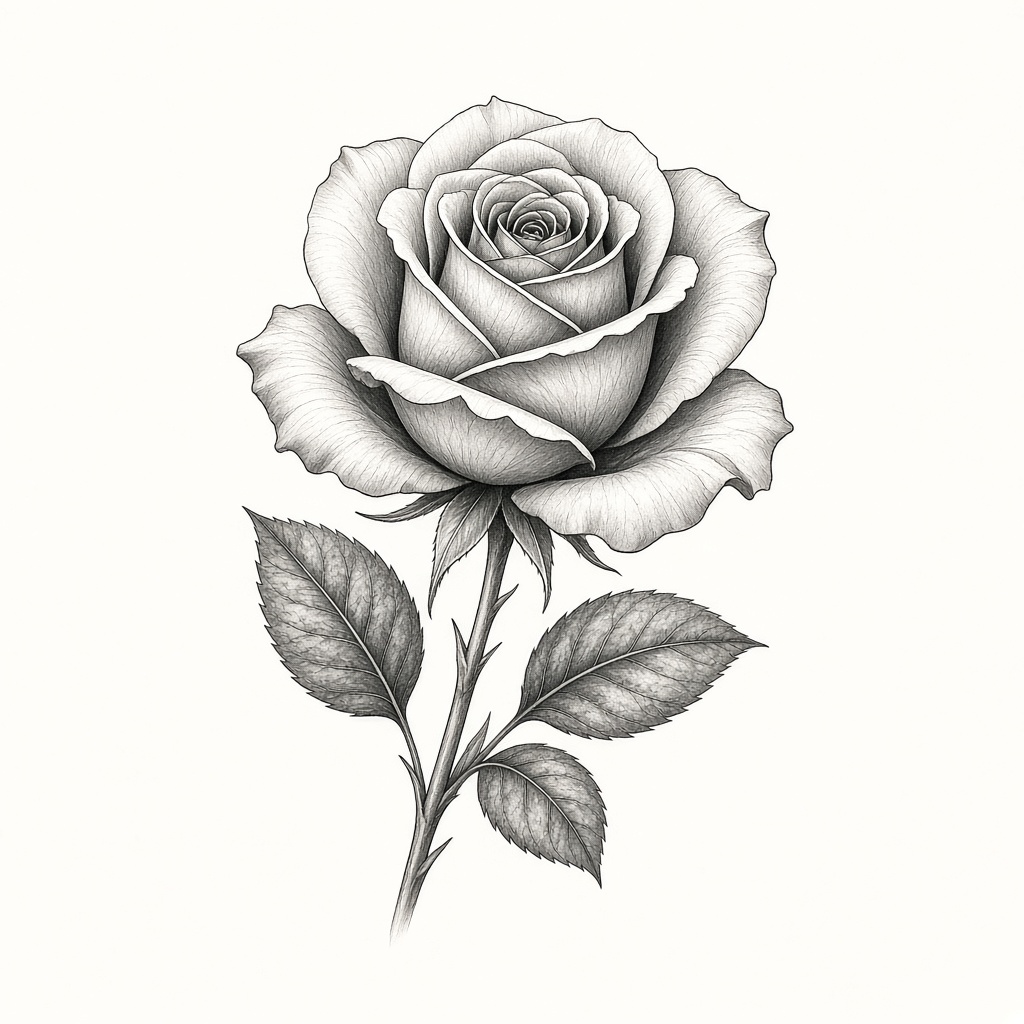
rose_stencil.png
2Print Size
Preset Sizes
3Paper Settings
Orientation
4Transfer Settings
Print Preview
210 mm (A4)
297 mm
180 mm220 mmPrint tip
Print at 100% and measure the 100 mm line. This page does not control the printer. Turn on mirror only if the transfer paper needs a reversed image.
Need a larger size?
Tiling is off by default. Turn it on to split a large design across sheets. You align the sheets. It is not automatic. Learn more
STENCIL PRINT LAYOUT
Size and mirror an image you already have, then export a PDF. One page unless you turn tiling on. This site does not control the printer.
Print a Tattoo Stencil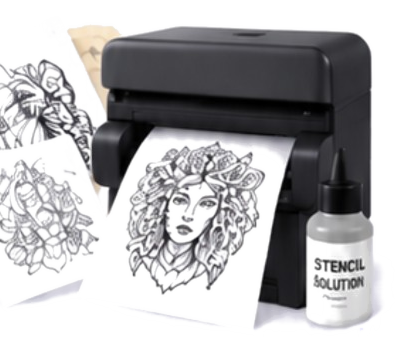
From
Design
to Stencil
Ready
to Ink
Does not redraw it
A4 or US Letter
Inches or centimeters
This site does not
Size a file you already have
Place a PNG or JPG you already have. This page sets the size and mirror, then exports a PDF. It does not trace the photo or turn it into vectors.
Try It Now →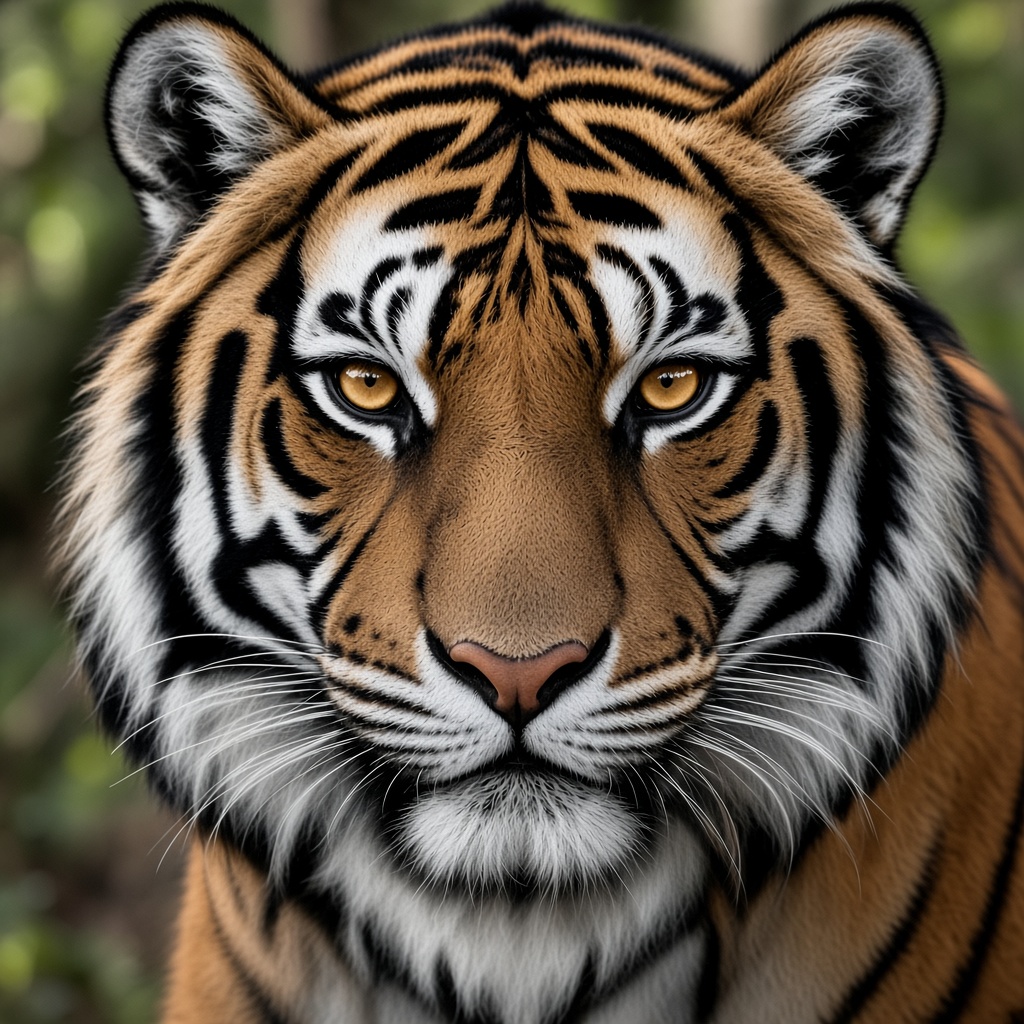
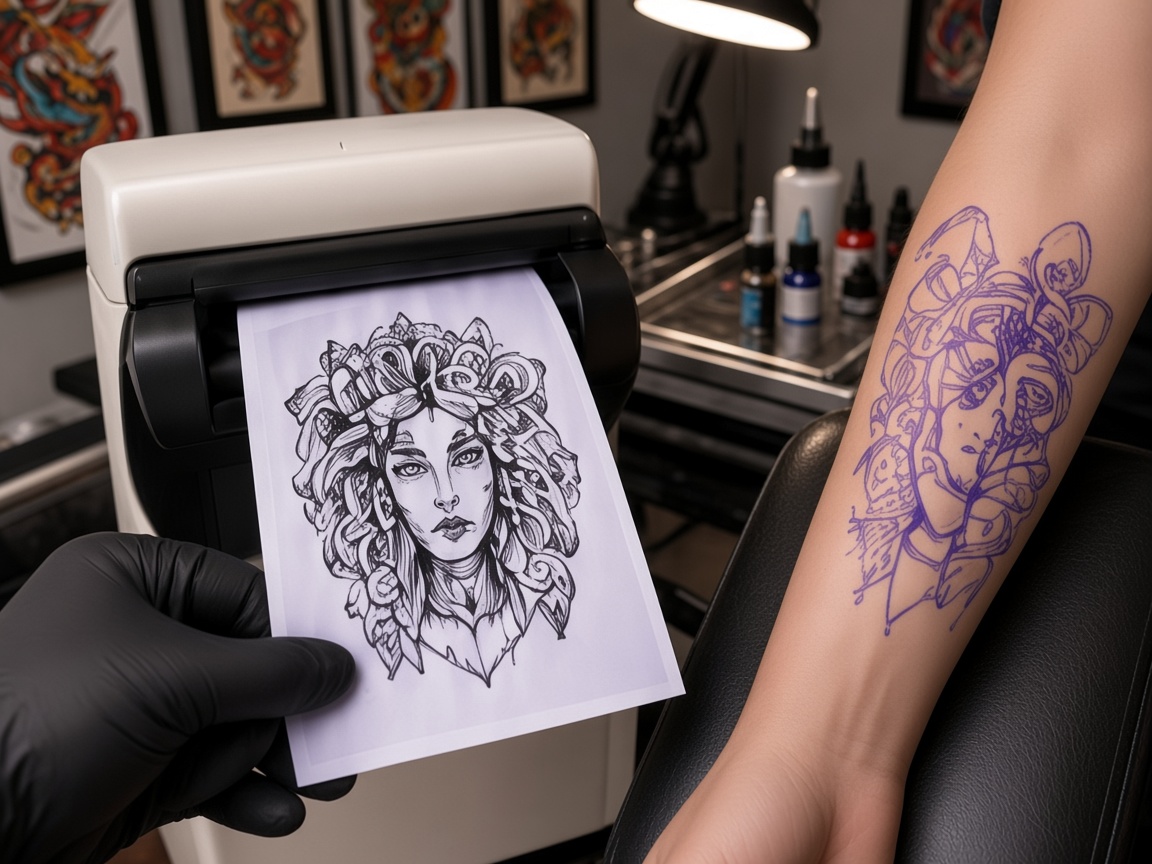
Perfect for professionals & beginners
Set inches or centimeters and a mirror flip. The PDF is one page unless you turn on tiling. Print at 100% and measure the 100 mm line. This site does not control the printer.
Print Printing →Placed at the size you set
Off unless you turn it on
Print at 100%
Measure the 100 mm line
Stencil examples
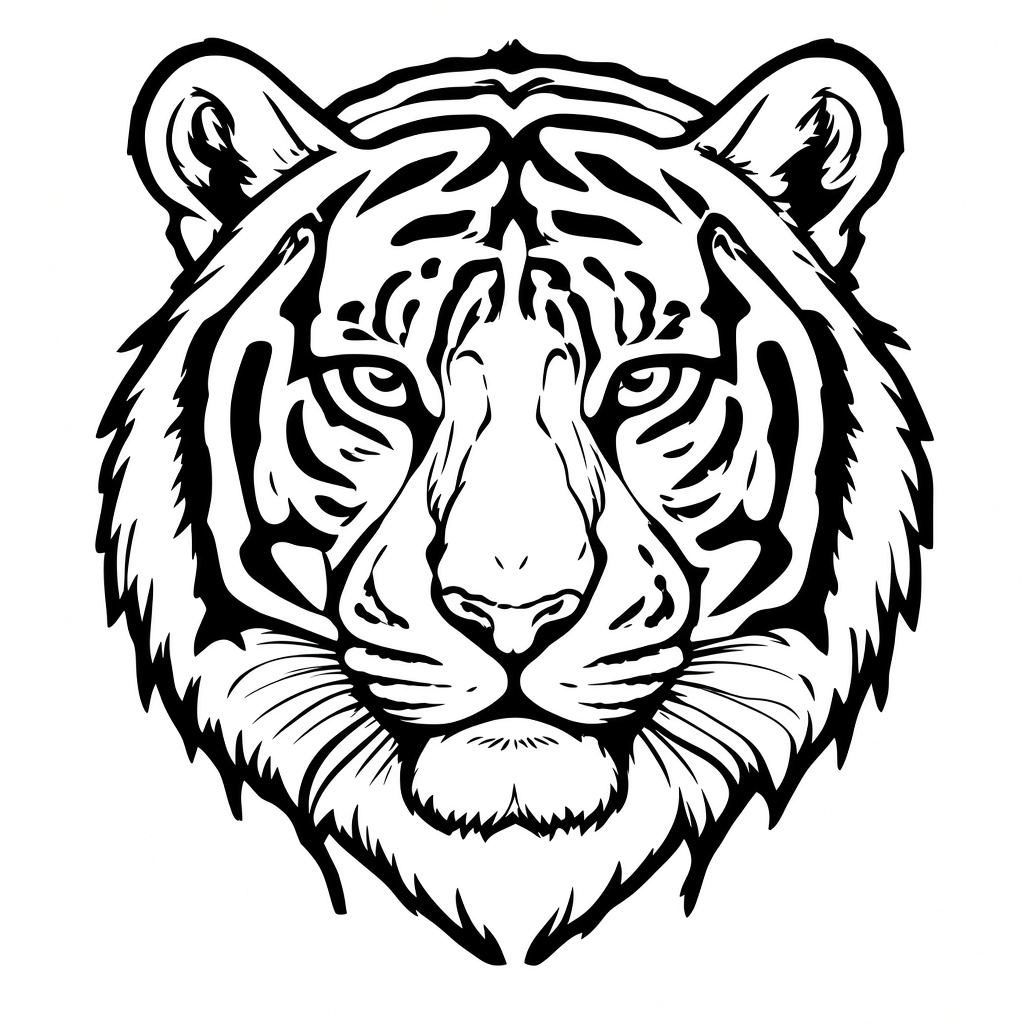
These pictures are examples. Opening one does not import a file. Upload your own image in the tool on this page.


How it works
Use a PNG or JPG you already have. This page does not trace a photo into linework.
Choose inches or centimeters, A4 or US Letter, and mirror if the transfer needs it.
One page by default. Turn on tiling only when the design is larger than the sheet, then print at 100%.
Scale, mirror, and place the image you upload. It does not convert the file into vectors.
The PDF contains the image at the size you set. It does not remove gray or redraw lines.
Lettering, a concept, or a drawing. The page does not restyle it.
Set width and height, then confirm the size in your printer dialog.
No install. You still print from your own printer at actual size.
Print layout stays in this browser. Cloud images already saved remain on your account.
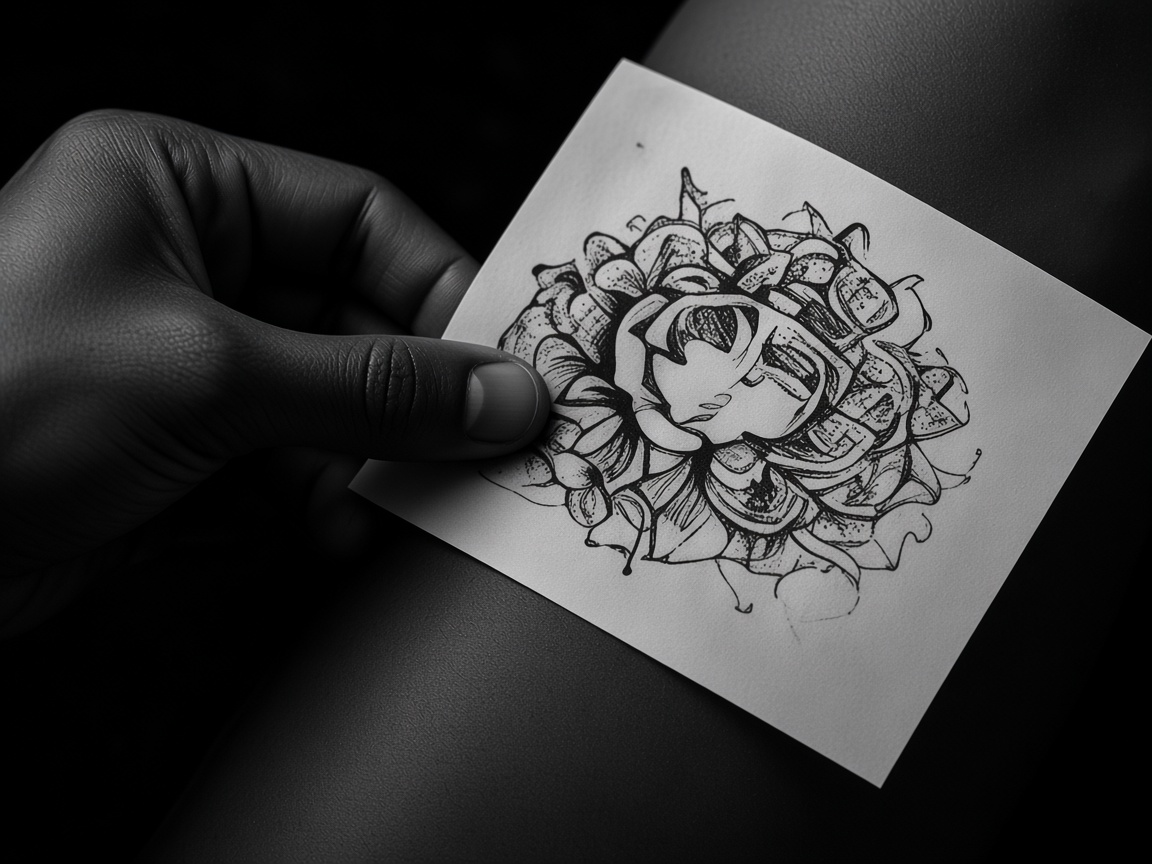
This page does not draw the tattoo or talk to the printer. Print at 100% and measure the 100 mm line.
Print a Tattoo Stencil →Create
Print
Tattoo
Repeat.