
Upload Your Photo
Snap and drop a clear photograph of your target body placement zone into our secure local workspace browser.
1Upload Your Photo
arm-photo.jpg
2Choose Tattoo Design

rose.png
to include library images saved to this account. Original stencils are available without signing in.
3Adjust Placement
Rose Sleeve v24Generate Preview
Overlay stays in this browser
Original
Try-On Result
Realistic overlay
See placement on your photo in this browser.
Private on this device
This try-on does not upload your photo.
Made for deciding
Try a design, then download a PNG to take to a shop.
TATTOO PLACEMENT
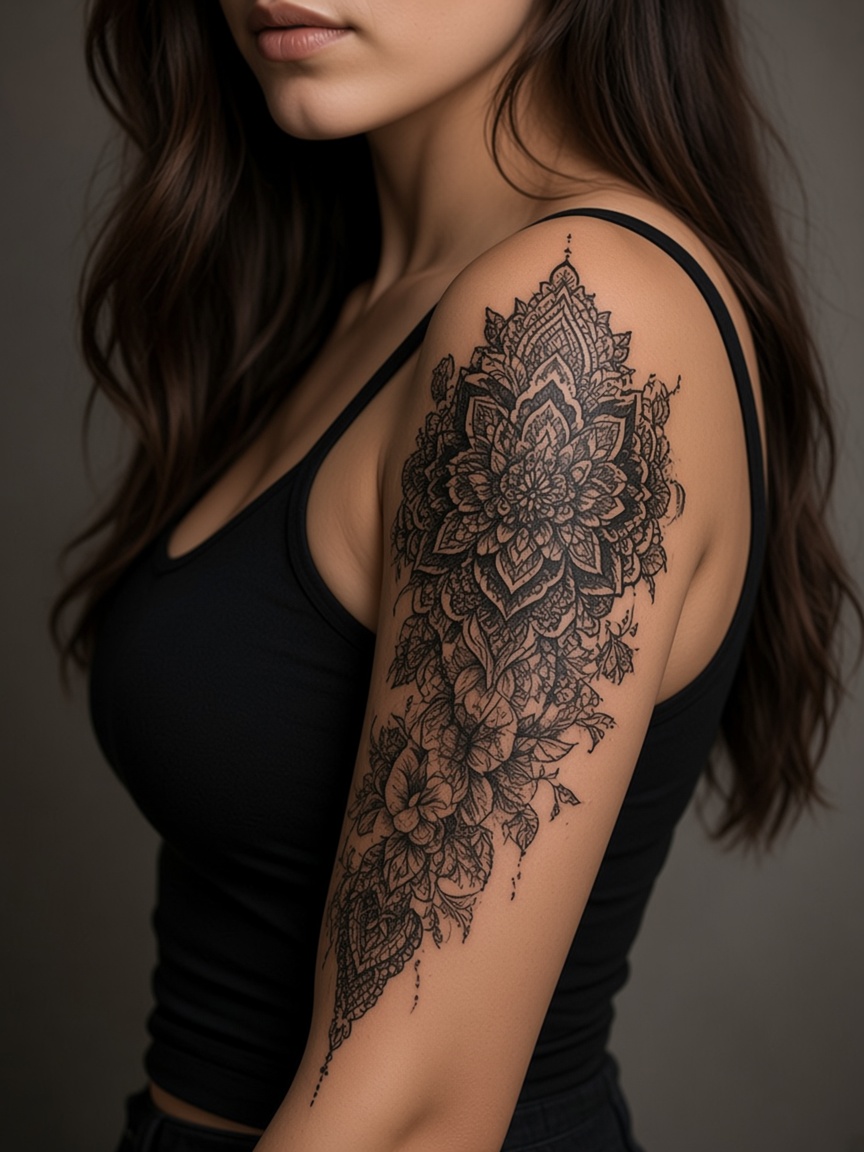
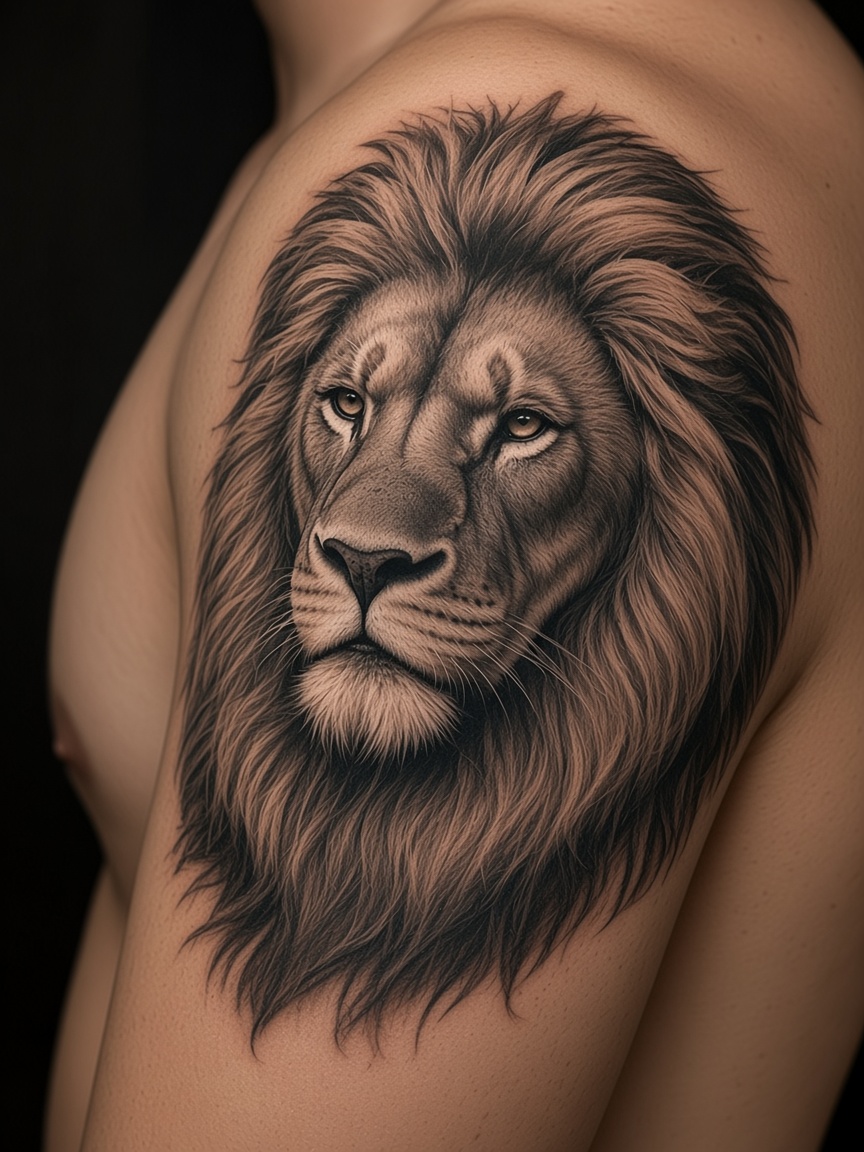
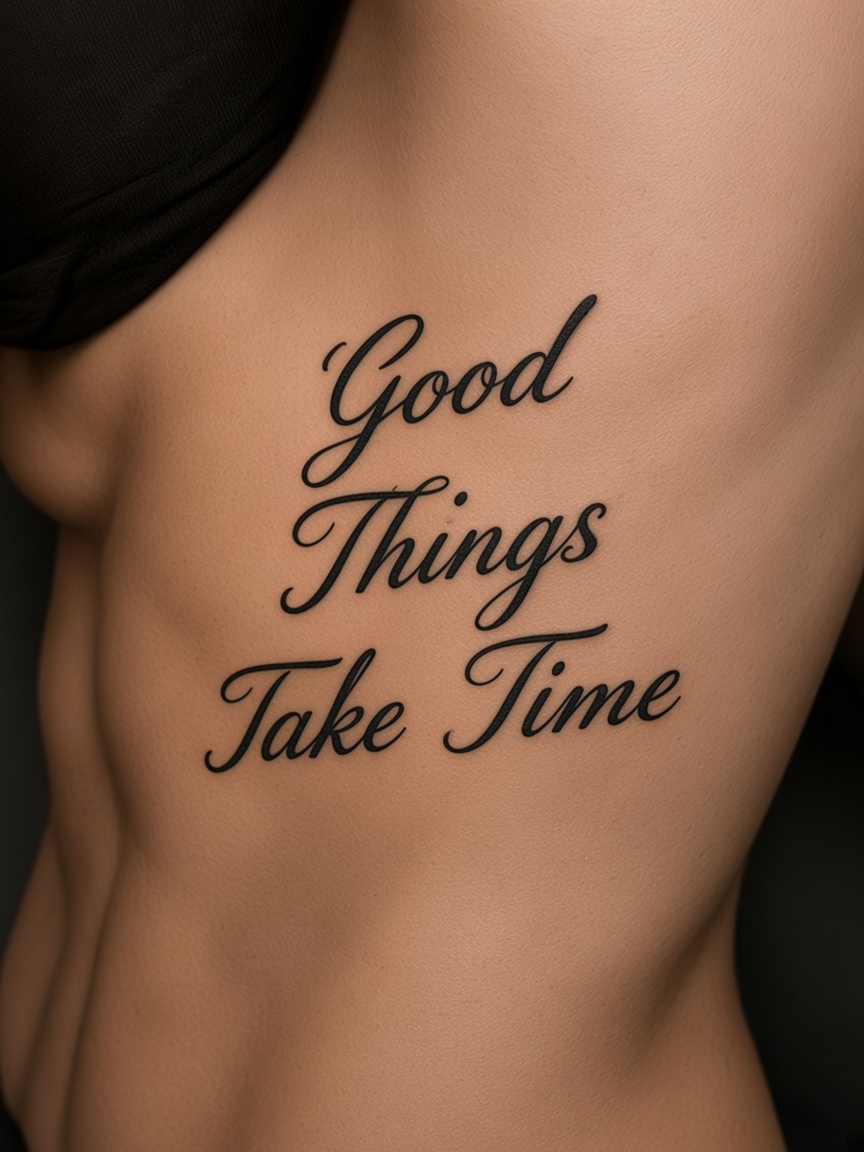
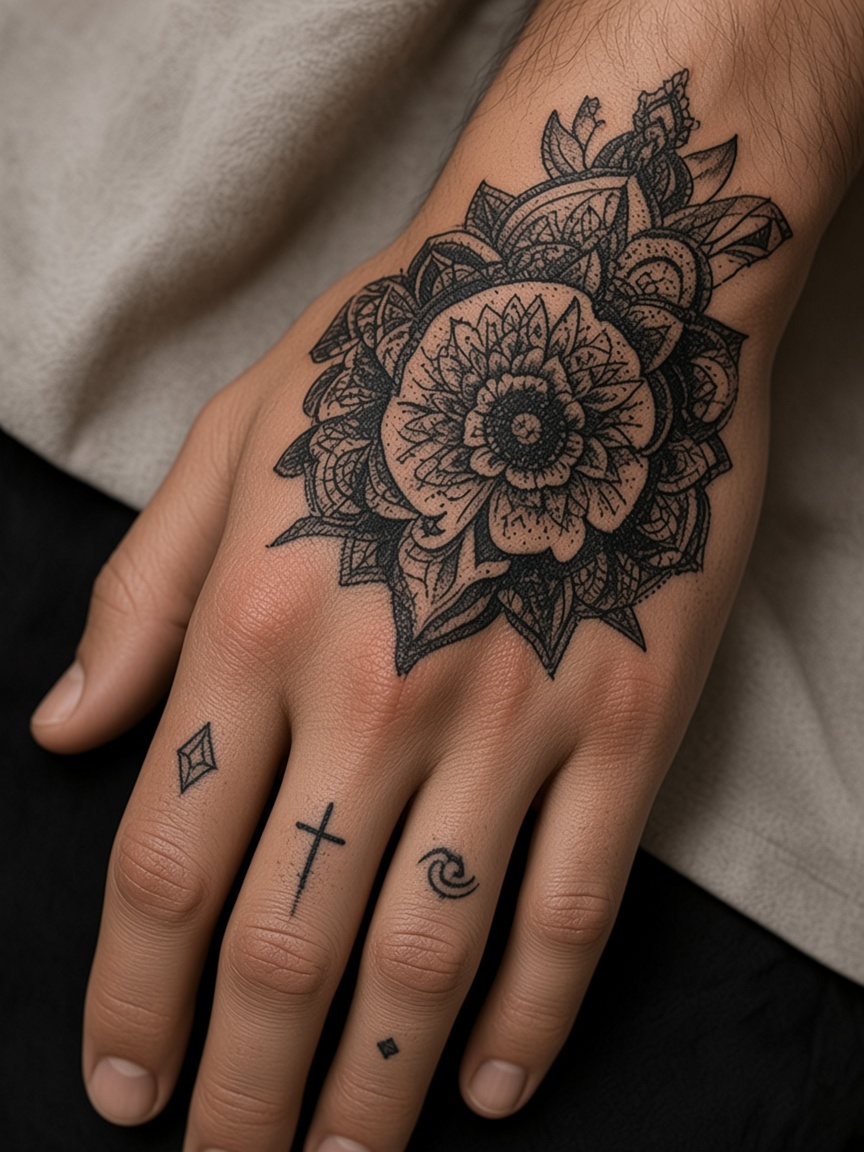
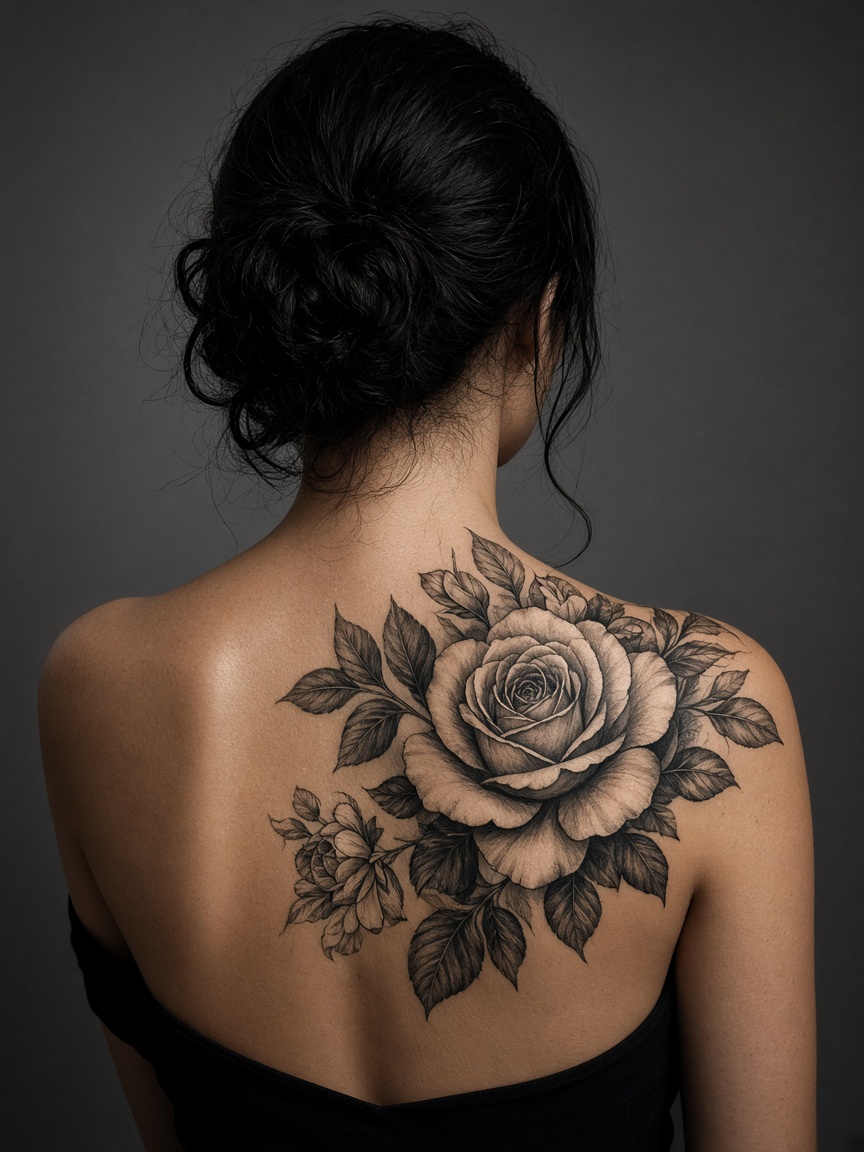
Test tattoo placements on your body virtually before you ink. Upload a personal skin photo to check realistic scaling and contour alignments.
Try On a Tattoo Now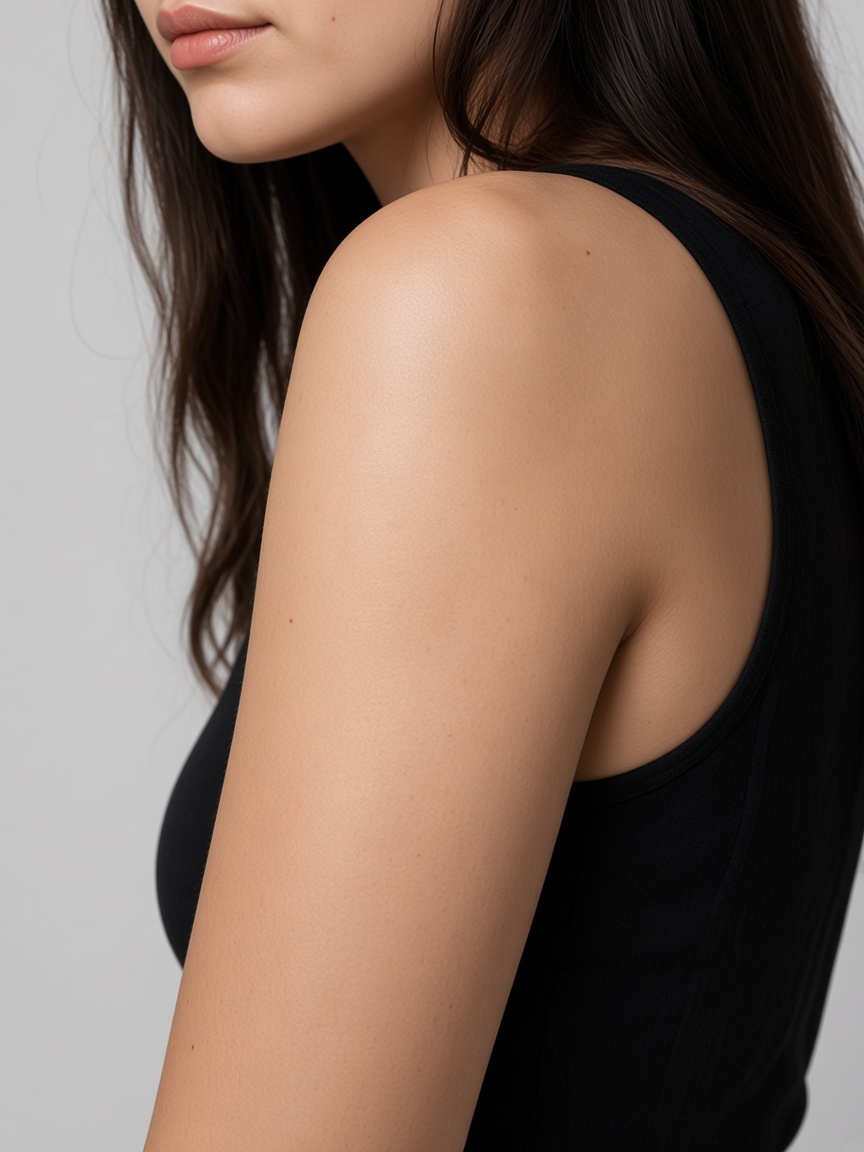
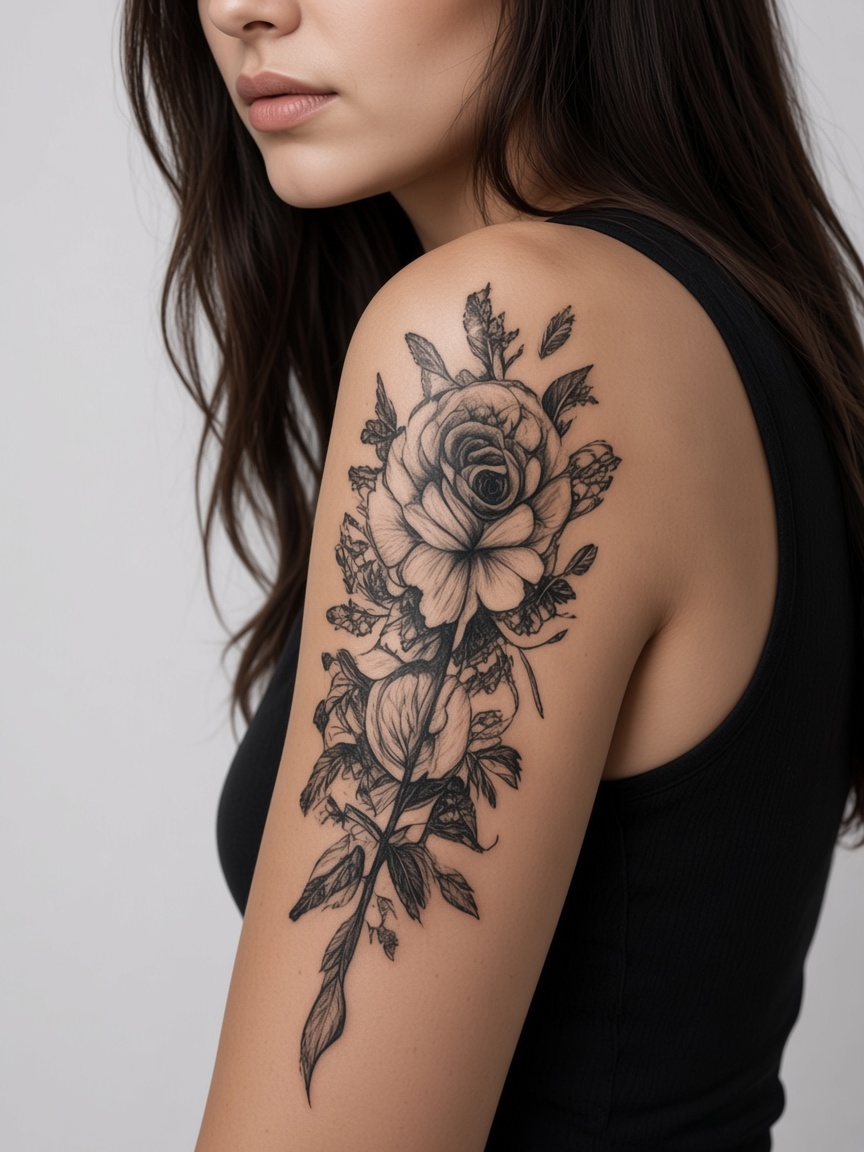
After (AI Try-On)
Try
Designs.
Find Your
Perfect Look
Find the perfect fit
See natural, lifelike previews
Arms, legs, back, and more
A placement photo stays in this browser unless you start a cloud job.
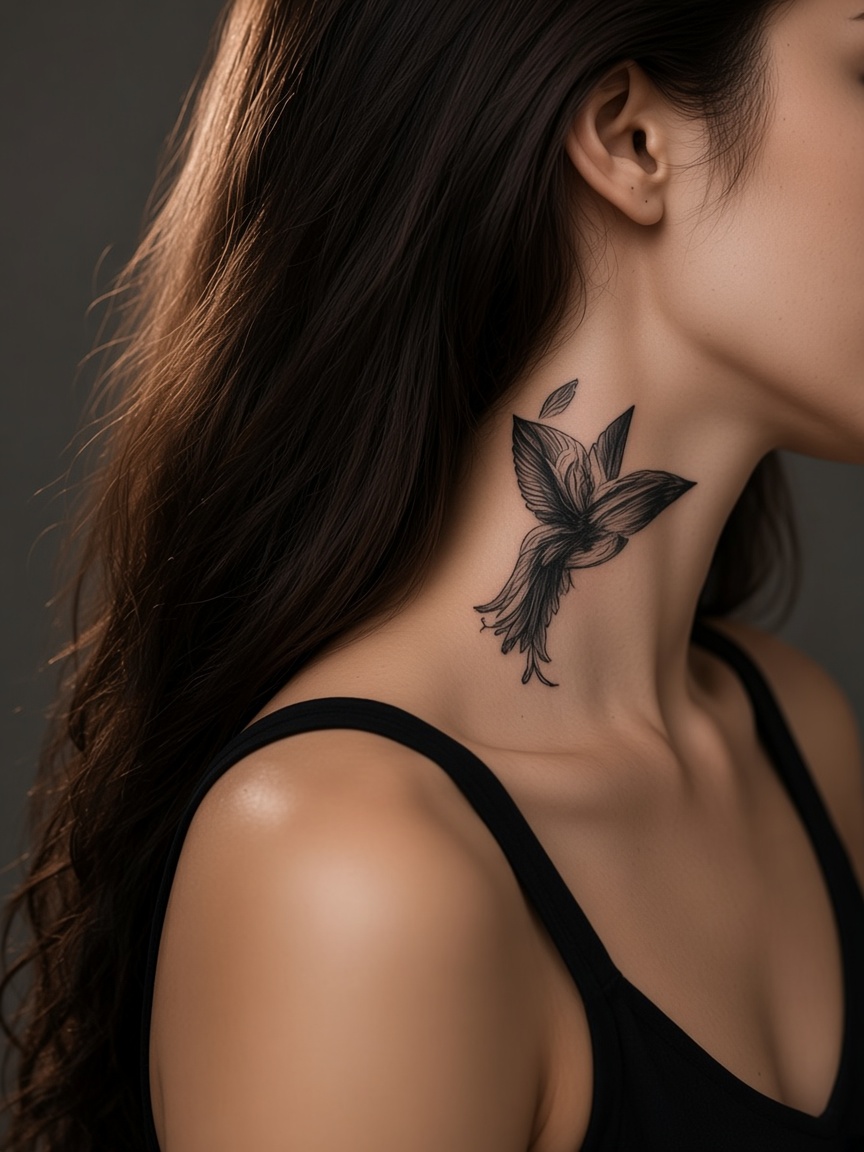
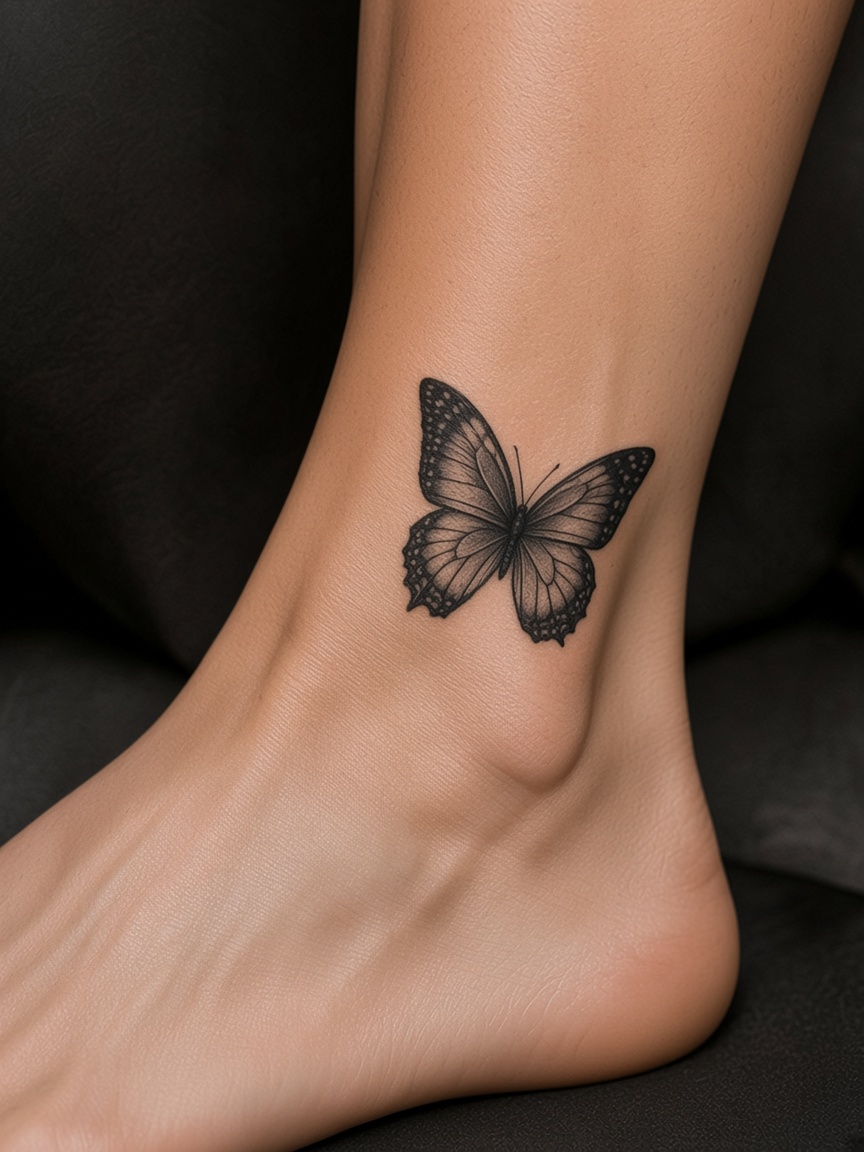
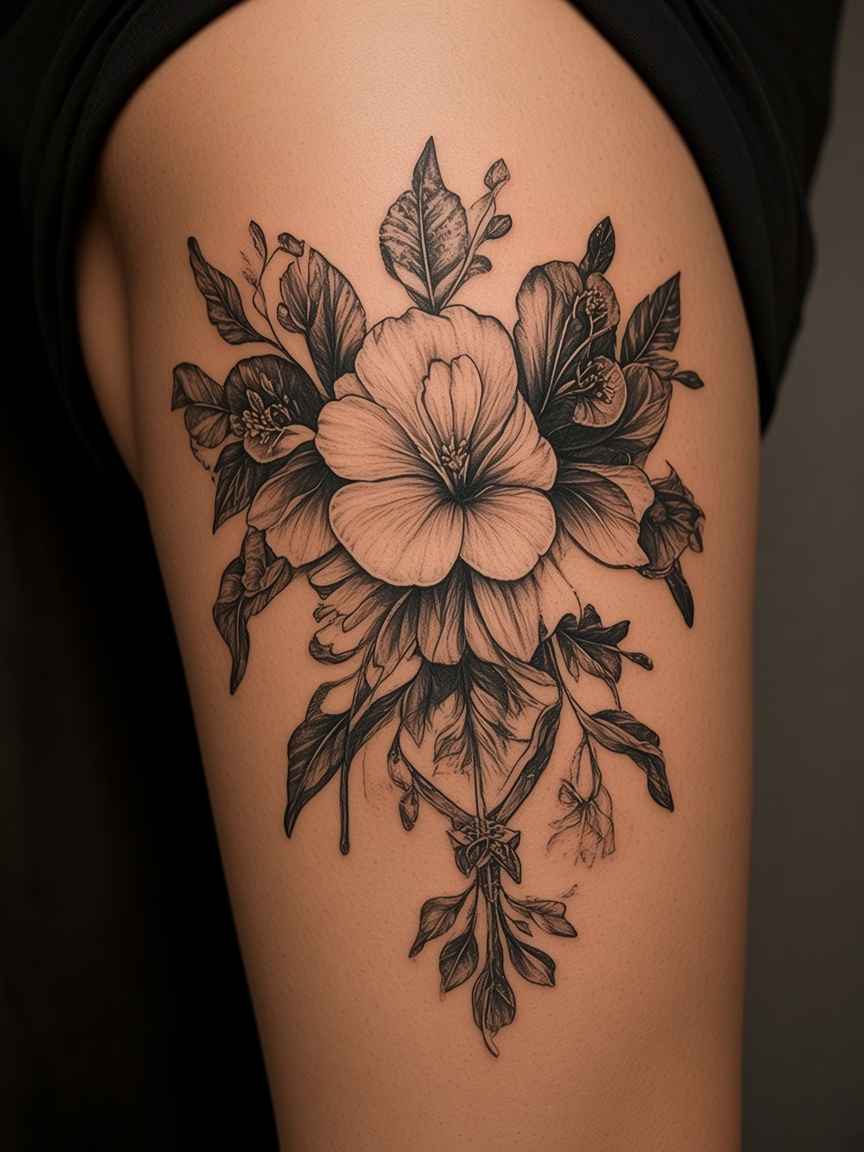
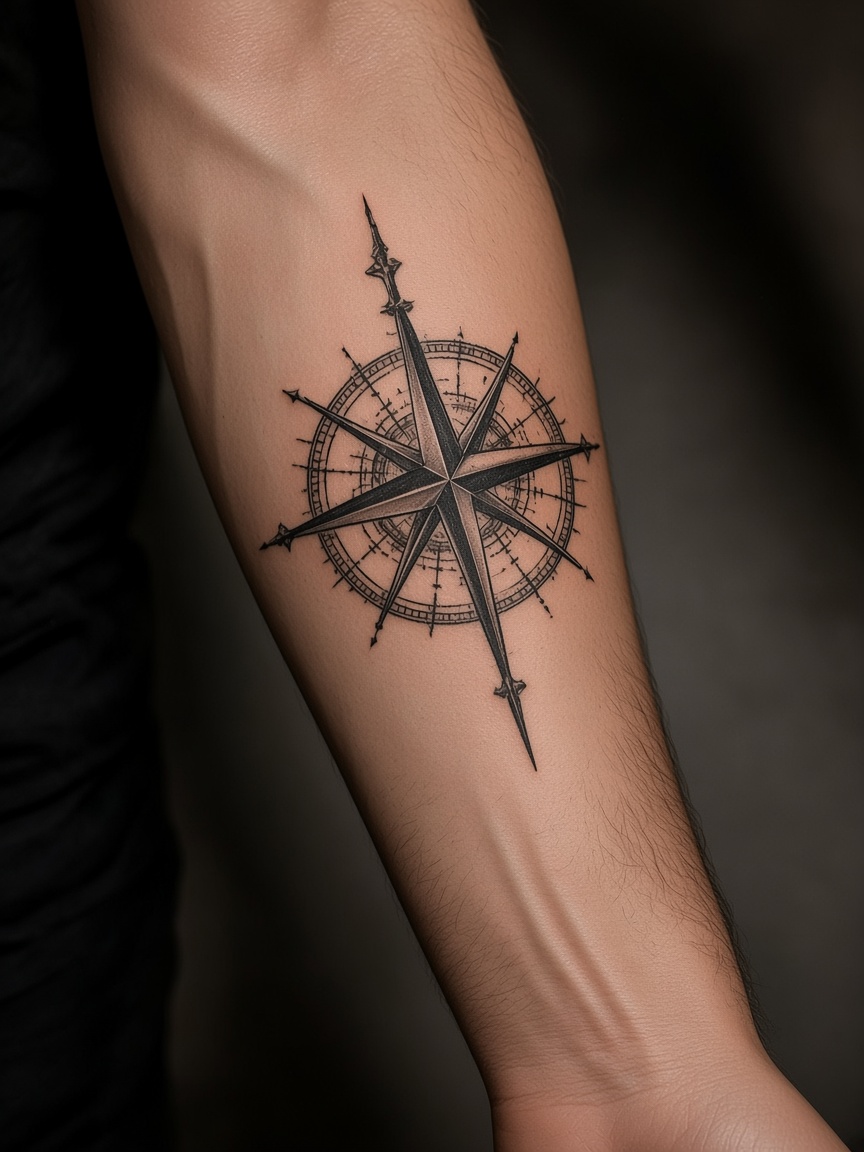
Try any style, any placement
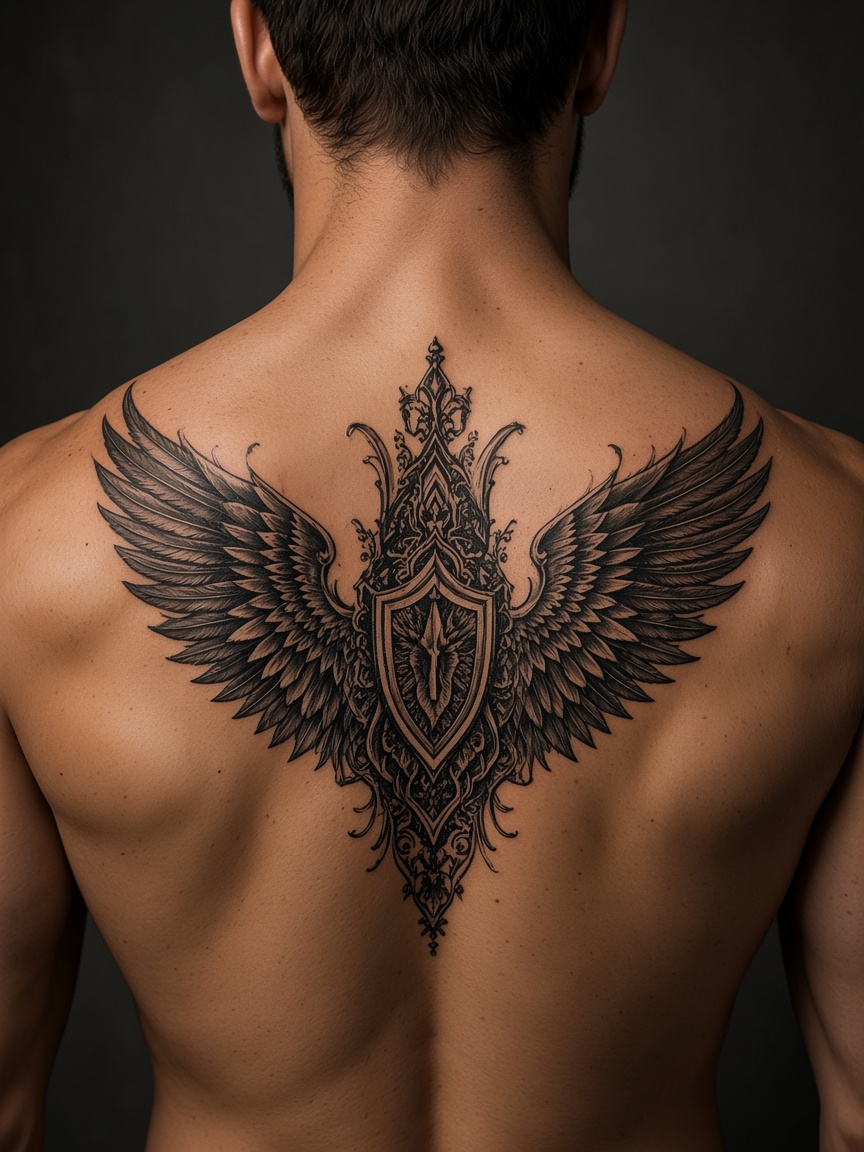
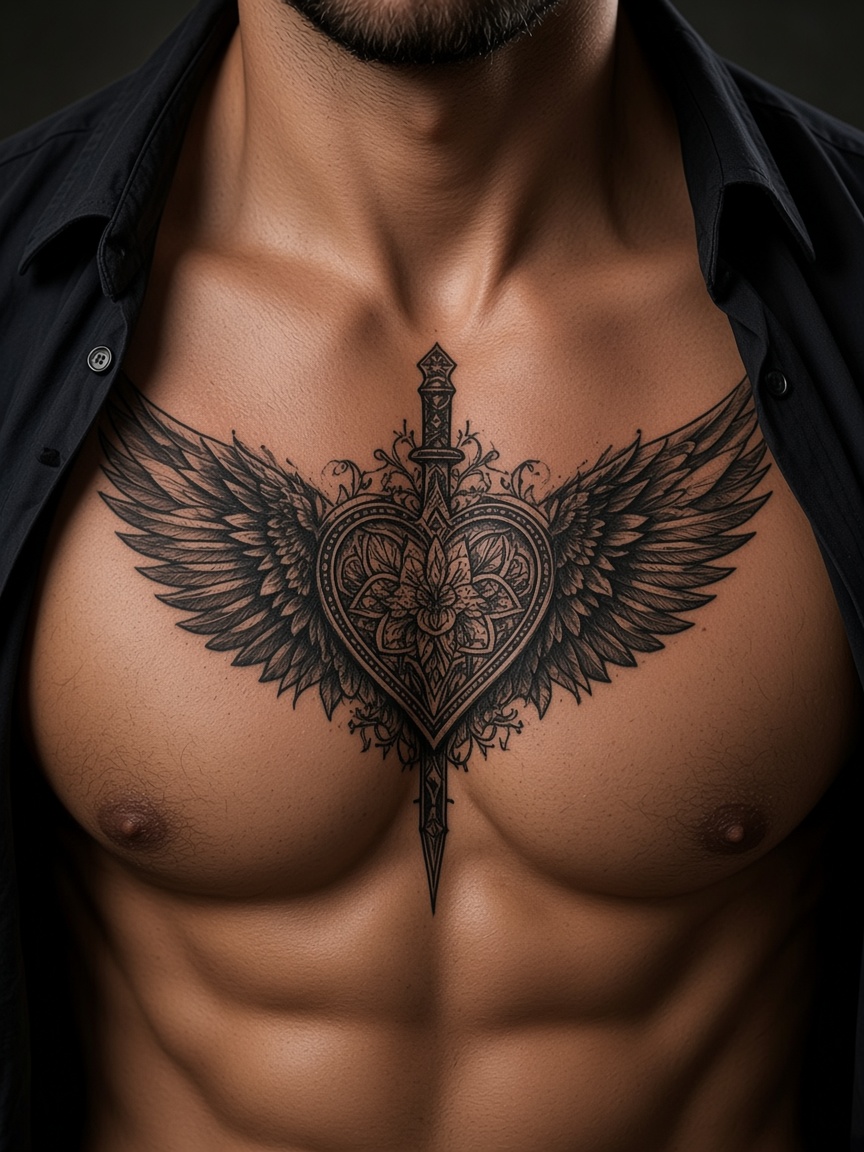
Test templates on any destination cluster—whether you need alignment previews for arms, legs, back, chest, or neck. Drag the design on the photo in this browser. Cloud generation, if you use it, spends credits.
Upload Your Photo →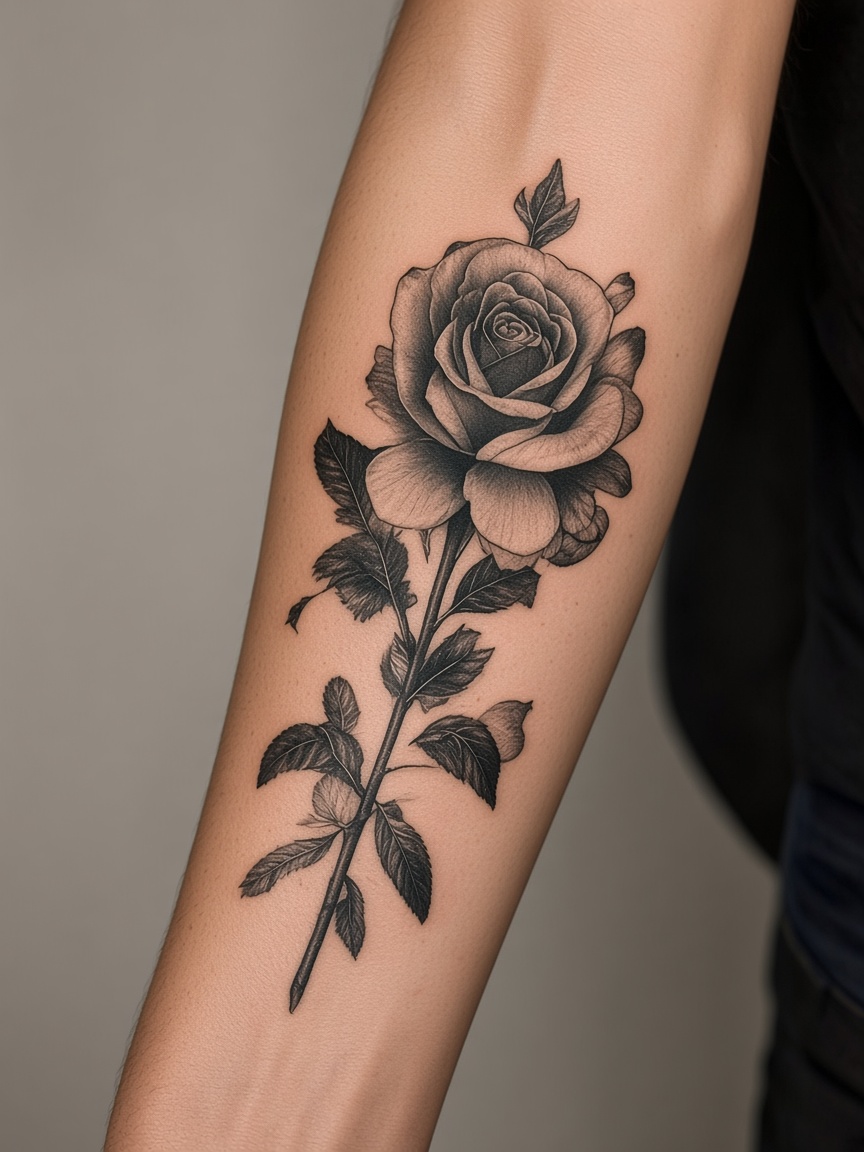
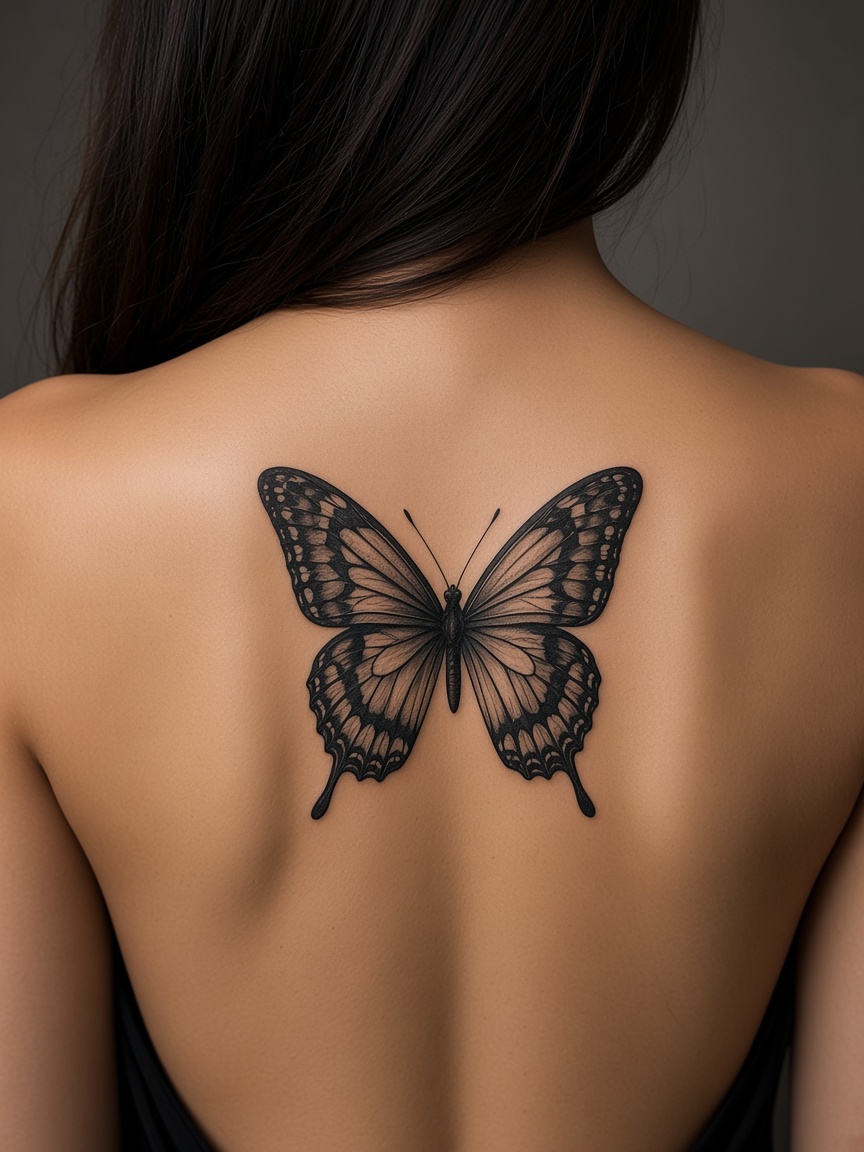
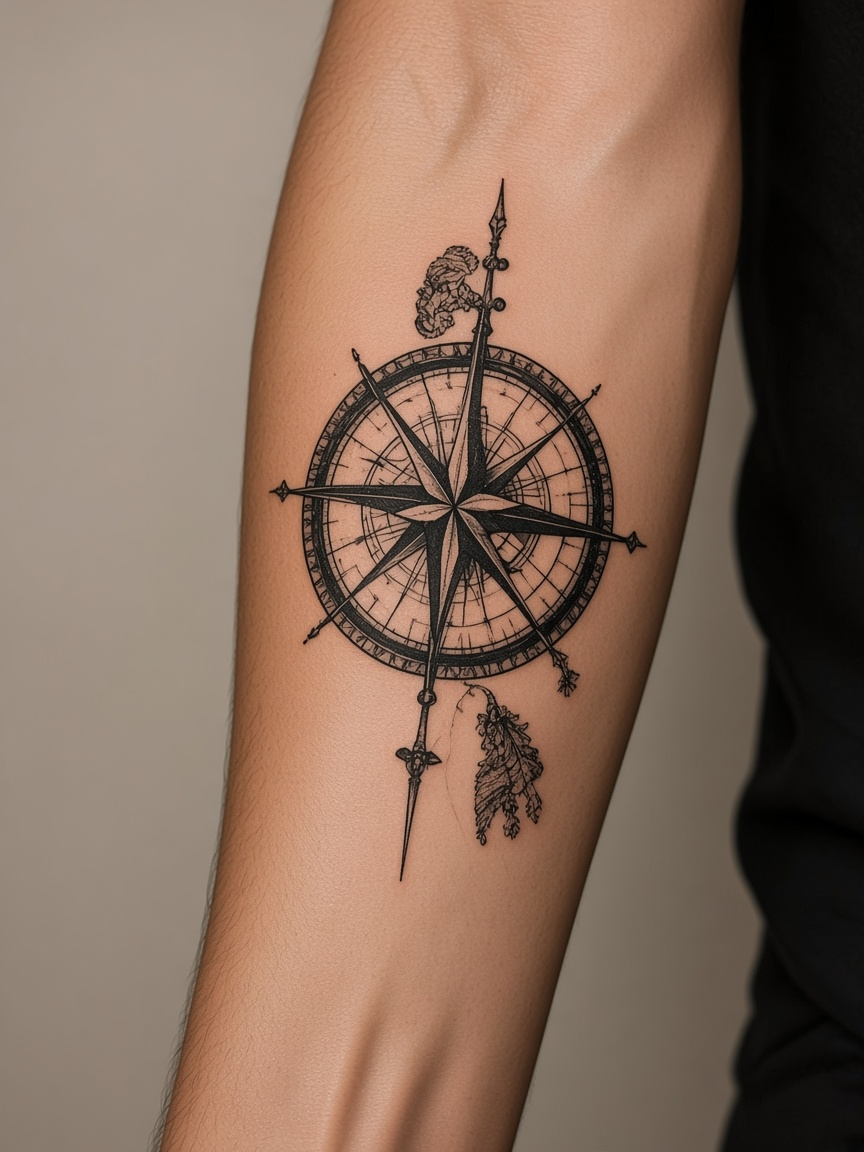
How it works
Snap and drop a clear photograph of your target body placement zone into our secure local workspace browser.
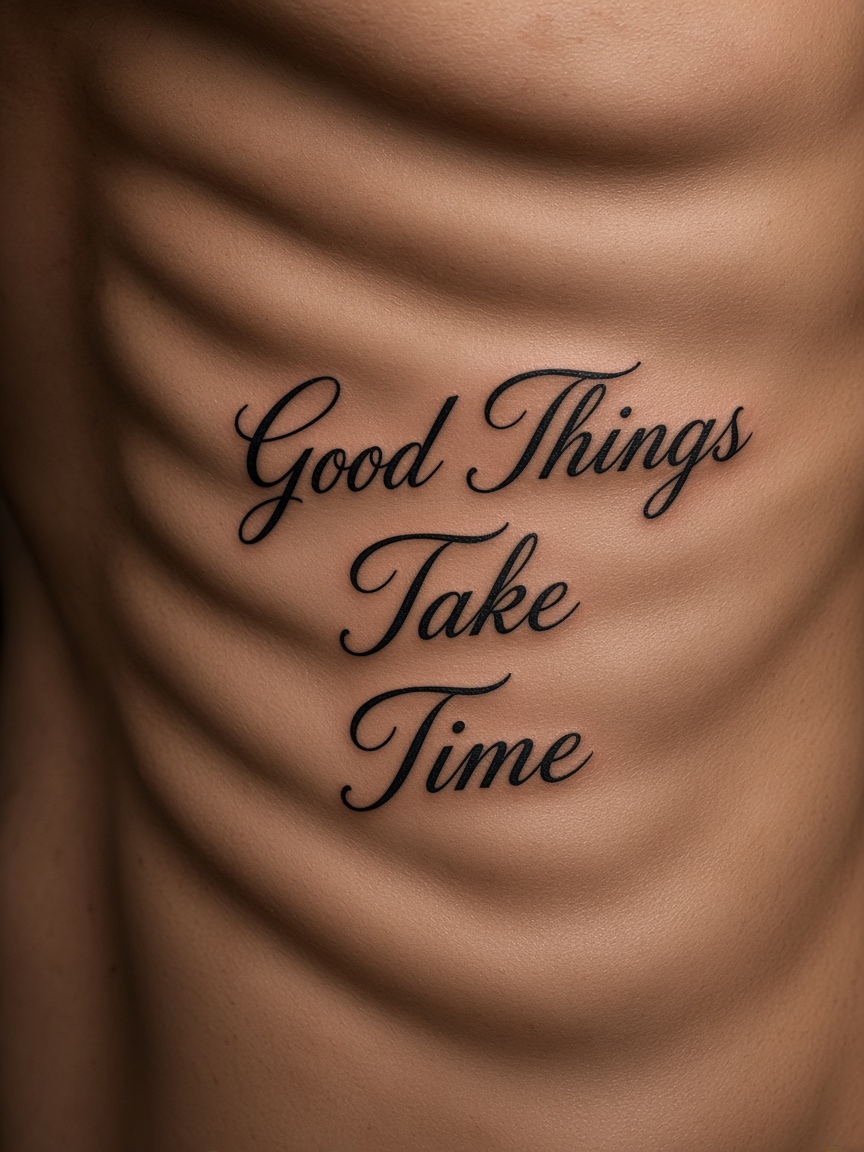
Load an AI generated line art draft or custom sketch. Adjust scale dimensions, rotation angles, and opacity overlays.
Our adaptive AI seamlessly blends the template rows over your skin texture. Lock your final choices and export print-ready outlines instantly.
Test different design placements and dimension sizes on your own body photo within seconds.
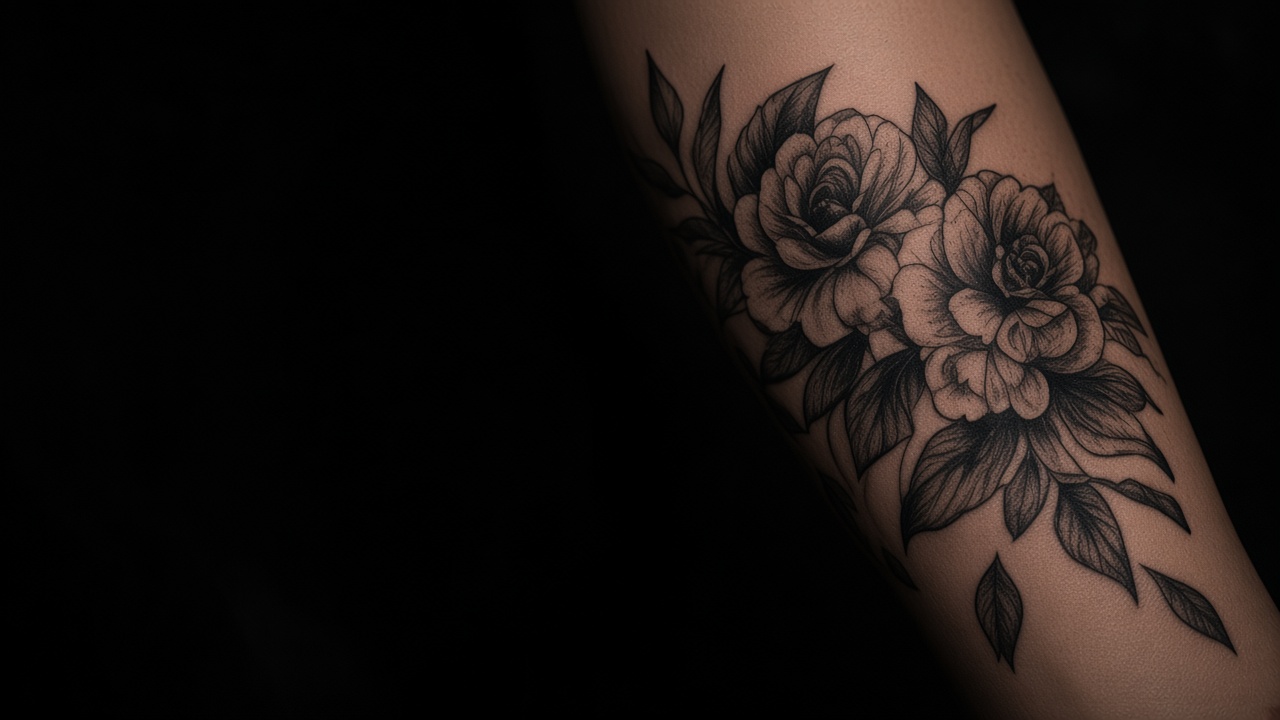
Advanced lighting projection and skin-wrapping models make virtual lines look like genuine fresh ink copies.
Flawlessly projects delicate fine-line script, heavy blackwork slabs, realism shadows, and traditional colors seamlessly.
Intelligently adapts to complex body geometries like sleeves, wrists, clavicles, ankles, and torsos dynamically.
Experiment with bold or minimalist layout choices before committing to permanent stencil transfer paper or needles.
A placement preview stays in this browser unless you run a cloud generation.
Preview
Customize
Be Confident
Upload your photo and see how it looks with AI. No commitment, just possibilities.
Try On a Tattoo Now →